Top 6 Cloud Solutions for Modern SaaS Architecture
May 23, 2025
19 min read
Top 6 Cloud Solutions for Modern SaaS Architecture
AWS: Known for scalability, AWS handles massive workloads with tools like Auto Scaling and Lambda. It offers flexible pricing models (pay-as-you-go, Reserved Instances) and strong security features like AWS Shield and IAM.
Microsoft Azure: Ideal for enterprise integration, Azure supports hybrid environments, offers cost-saving plans (Savings Plans, Reserved Instances), and excels in compliance with tools like Azure Policy.
Google Cloud Platform (GCP): Perfect for AI and analytics, GCP provides advanced tools like BigQuery and cost-saving options like Sustained Use Discounts. It’s great for data-heavy applications.
Oracle Cloud Infrastructure (OCI): Best for database-centric workloads, OCI offers competitive pricing, strong security (Cloud Guard), and tools for resource optimization.
IBM Cloud: Known for hybrid and multi-cloud setups, IBM Cloud offers enterprise-grade integration, robust security, and tools like Cloud Paks for faster deployment.
Salesforce Cloud: Focused on CRM, Salesforce Cloud’s Hyperforce ensures scalability and compliance. It’s a strong choice for businesses prioritizing customer relationship management.
Quick Comparison Table
Platform
Best For
Key Features
Starting Cost
AWS
Scalability, startups
Auto Scaling, Lambda, global reach
Pay-as-you-go
Azure
Enterprise integration
Hybrid support, strong .NET tools
Variable pricing
GCP
AI, data-heavy apps
BigQuery, Kubernetes expertise
Free trial available
Oracle Cloud
Database-centric workloads
Auto-scaling, cost-saving tools
Usage-based
IBM Cloud
Hybrid/multi-cloud setups
Cloud Paks, enterprise integration
Usage-based
Salesforce
CRM-focused solutions
Hyperforce, regional data hosting
Subscription-based
Choosing the right platform depends on your business size, goals, and specific needs. Let’s dive deeper into what makes each platform unique.
SaaS vs. Cloud Computing: Discover Key Differences
1. AWS
Amazon Web Services (AWS) is a powerhouse in the world of cloud platforms, designed to meet the needs of modern SaaS architectures. With its infrastructure executing an astonishing one trillion Lambda functions every month, AWS exemplifies scalability and reliability.
Scalability and Performance
AWS shines when it comes to handling fluctuating demands. Features like Auto Scaling ensure resources are allocated optimally, leading to a reported 75% performance improvement during traffic surges. For instance, during Amazon Prime Day 2020, AWS CloudFront managed an impressive 280 million HTTP requests per minute, showcasing its ability to handle massive workloads without breaking a sweat.
Cost Optimization
AWS provides flexible pricing options to help businesses manage costs effectively while maintaining performance:
Pay-as-you-go pricing for flexibility and no upfront commitments
Reserved Instances for predictable, long-term workloads
Spot Instances, which can save up to 90% for workloads tolerant of interruptions
Real-world examples highlight these benefits: Alert Logic slashed cloud expenses by 28%, and Delhivery reduced infrastructure costs by 15% in just 50 days.
Security and Compliance
Security is at the core of AWS, with a range of integrated services offering robust protection:
Security Layer
Key Services
Primary Function
Infrastructure Protection
AWS Shield, GuardDuty
Detect threats and defend against DDoS
Data Protection
KMS, Secrets Manager
Encrypt data and manage secure keys
Access Control
IAM, CloudTrail
Manage identities and log activity
Compliance Monitoring
AWS Config, Security Hub
Track compliance automatically
AWS supports 143 security standards and compliance certifications, including major frameworks like HIPAA, GDPR, and SOC 2, making it a trusted choice for businesses with stringent regulatory needs.
Integration and Architecture
AWS offers tools and best practices to ensure seamless integration and efficient architecture:
Design systems with failure in mind, using Auto Scaling and Elastic Load Balancing
Decouple services with SQS for independent scaling
Use managed services like RDS and DynamoDB to reduce operational complexity
Implement caching with Amazon ElastiCache to boost performance
Additionally, AWS Graviton-powered instances deliver 40% better price performance compared to x86 processors, making them a smart option for SaaS businesses seeking high performance at a lower cost.
Next, let’s explore another major cloud solution that’s helping to shape the future of SaaS architecture.
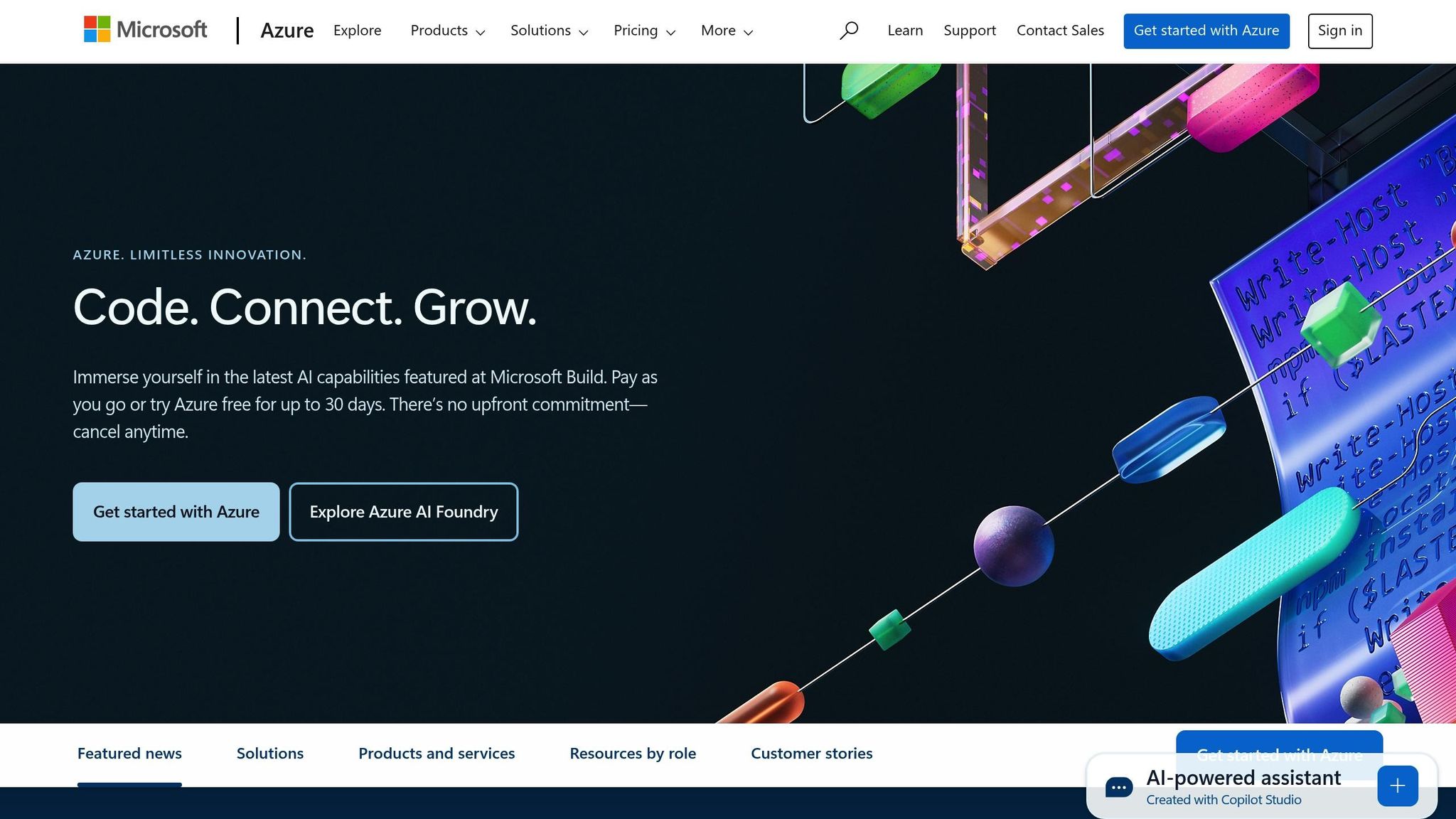
Microsoft Azure stands out as a powerful platform for building and scaling modern SaaS applications. With a presence in 60 Azure regions and a customer base exceeding 65,000 worldwide, it offers a mature ecosystem tailored to meet the demands of SaaS architecture.
Scalability and Performance
Azure provides a range of compute options designed to handle diverse workloads, ensuring flexibility and scalability:
Compute Service
Primary Use Case
Scaling Capability
Virtual Machine Scale Sets
Traditional Applications
Thousands of Linux/Windows VMs
Azure Kubernetes Service (AKS)
Containerized Apps
Managed Kubernetes orchestration
Azure Container Apps
Microservices
Serverless container scaling
Azure Functions
Event-driven Code
Automatic scaling based on demand
For performance testing, Azure’s Load Testing service can simulate up to 100,000 virtual users across 400 engine instances in a single test run. This makes it easier to manage costs and optimize performance for even the most demanding applications.
Cost Management and Savings
Azure offers several tools and programs to help businesses control costs without sacrificing performance. Key options include:
Savings plans: Up to 65% off pay-as-you-go pricing for compute services.
Reserved instances: Discounts of up to 72% for long-term commitments.
Azure Hybrid Benefit: Enables Windows Server customers to save up to 36%.
These cost-saving measures are bolstered by Azure’s robust integration framework, making it a cost-effective choice for SaaS providers.
Integration Capabilities
Azure’s Integration Services handle billions of actions and trillions of requests monthly, showcasing their strength in connecting various systems and processes. Key tools and their functions include:
Logic Apps: Simplifies the orchestration of business workflows.
Service Bus: Manages secure messaging workflows.
API Management: Adds AI-driven gateway capabilities for APIs.
Event Grid: Powers event-driven architectures.
Azure Functions: Supports serverless computing.
Data Factory: Handles complex data pipeline management.
These tools make it easier to integrate and streamline SaaS solutions, no matter the scale or complexity.
Security and Investment
Microsoft has committed $20 billion to cybersecurity over five years, ensuring Azure remains a secure platform. Azure Monitor enhances this by collecting and analyzing data across multiple Azure and non-Azure subscriptions, providing comprehensive monitoring and insights.
ROI and Performance
According to a Forrester study, Azure Integration Services achieved a 295% ROI over three years. With more than 1,400 pre-built connectors and templates, many enhanced by AI, Azure enables rapid development and deployment of SaaS solutions while maintaining high levels of performance and reliability.
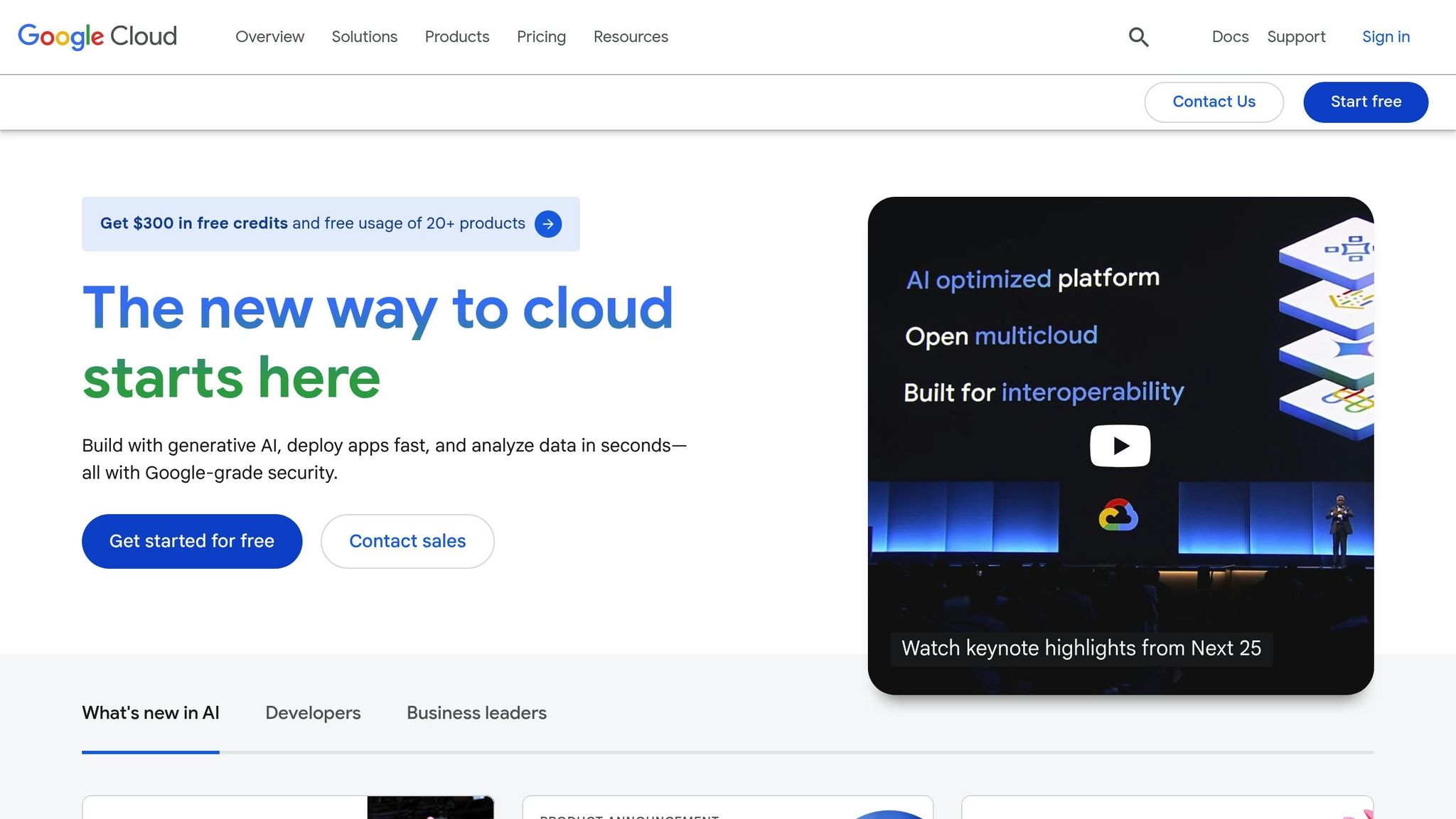
Google Cloud Platform (GCP) has become a key player in modern SaaS architecture. Its market share has grown significantly, jumping from 6% in 2017 to 11% in 2022. With a broad range of services and a strong infrastructure, GCP is particularly suited for building scalable, AI-powered solutions.
Core Infrastructure and Scaling
GCP's extensive global network of data centers ensures applications can be accessed worldwide. It offers a variety of compute options to cater to different needs:
Service Type
Key Features
Best For
Google Kubernetes Engine
Automated container orchestration
Microservices architecture
Cloud Functions
Serverless computing
Event-driven applications
Compute Engine
VM instances with flexible pricing
Traditional workloads
Cloud Run
Fully managed containerized apps
Stateless applications
Cost Optimization
GCP's pricing structure is designed to balance flexibility and affordability, offering several discount programs:
Sustained Use Discounts: Automatically save up to 30% for consistent monthly usage.
Committed Use Discounts: Save up to 57% with 1- or 3-year commitments.
Spot VMs: Enjoy discounts between 70% and 91% for workloads that can tolerate interruptions.
For instance, PlayPlay managed to cut its cloud costs by 40%, while Arabesque AI saw a 75% reduction in expenses.
Security and Compliance
GCP operates under a shared responsibility model for security. This approach ensures Google secures the infrastructure, while users handle application-level security and data protection. Key security features include:
Identity and Access Management (IAM): Fine-grained access controls.
Cloud Key Management Service (KMS): Advanced encryption management.
Security Command Center: Centralized monitoring for security threats.
Cloud Logging: Detailed activity tracking for auditing and troubleshooting.
"The Google Cloud Security Model operates under a shared responsibility framework where Google secures the infrastructure while users manage application-level security, configurations, and data protection." - GCP Masters
AI and Analytics Integration
GCP shines in the realms of AI and analytics. Nearly 90% of generative AI unicorns are GCP customers. Its serverless data warehouse, BigQuery, can process petabytes of data at just $5 per terabyte, making it a cost-effective solution for ad-hoc queries and variable workloads. These advanced analytics tools help businesses achieve measurable results.
Enterprise Success Stories
Companies using GCP often see significant cost savings and performance improvements. For example, Apxor, a zero-code app development company, reduced costs by 30% in 2025 while boosting performance by leveraging Compute Engine, Dataflow, and TensorFlow.
Compliance Standards
GCP meets stringent regulatory requirements, supporting major compliance frameworks:
Standard
Implementation Resources
FedRAMP
Implementation guide, Three-Tier Workload setup
HIPAA
Healthcare data protection toolkit, Workload alignment guides
ISO 27001
Comprehensive compliance documentation
PCI-DSS
Payment card industry security standards
This strong compliance portfolio, combined with GCP's advanced features and competitive pricing, makes it a standout choice for SaaS businesses. Next, we’ll take a closer look at Oracle Cloud Infrastructure to continue our comparison.
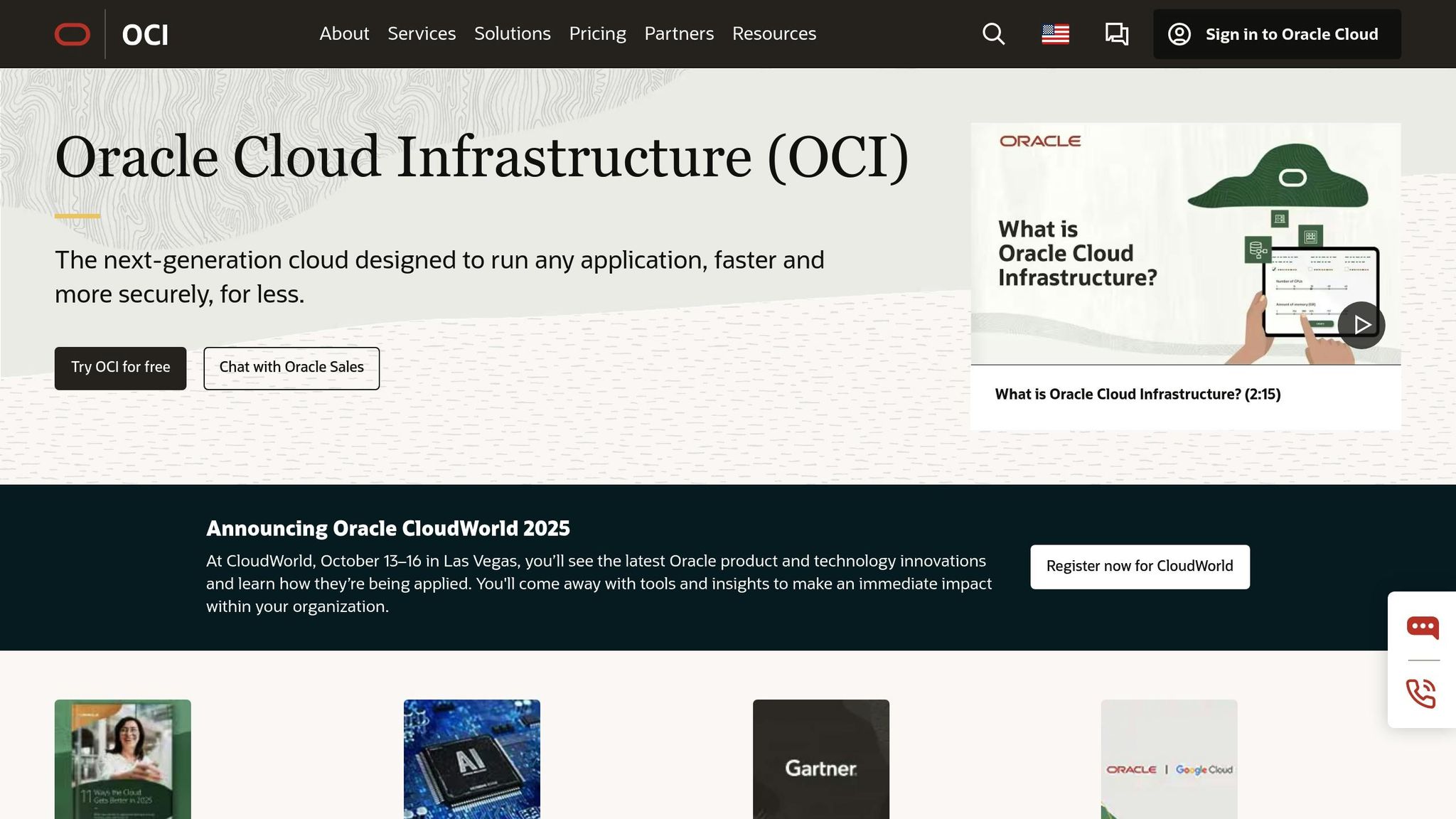
Oracle Cloud Infrastructure (OCI) is a powerful platform designed to support modern SaaS architecture. It combines solutions for compute, storage, and networking into a cohesive system. With 50 interconnected commercial and government cloud regions, OCI provides the global reach needed for large-scale deployment requirements.
Infrastructure and Performance
OCI's Gen 2 Cloud architecture is built for efficiency, offering features like auto-scaling and Kubernetes orchestration through its Container Engine. These tools help businesses manage workloads effectively:
Component
Features
Benefits
Compute Services
Auto-scaling, flexible shapes
Optimizes resource usage
Container Engine
Kubernetes orchestration
Simplifies microservices deployment
Functions
Serverless computing
Supports event-driven workflows
Load Balancing
Global distribution
Ensures high availability
Cost Management Excellence
OCI stands out for its competitive pricing and cost-saving capabilities. It can reduce storage costs by up to 70%, networking expenses by 80%, and compute costs by 50%. For example, Brazilian retailer Tok&Stok utilized OCI's monitoring tools to dynamically adjust compute capacity based on demand, eliminating unnecessary server costs.
Enterprise-Grade Security
Security is deeply integrated into OCI's architecture, offering a range of advanced features:
Security Feature
Implementation Details
Network Virtualization
Isolated tenant environments unique to OCI
Hardware Root of Trust
Ensures physical security validation
Cloud Guard
Provides continuous security monitoring
Identity Management
Enables granular access controls
Darling Ingredients improved their security posture by leveraging OCI's Cloud Guard for continuous monitoring.
Optimizing Performance
OCI enhances performance with intelligent resource and storage management:
Automated Resource Management: OCI's autoscaling dynamically adjusts resources to meet real-time demand. Star CRM, for instance, uses this feature to handle peak periods efficiently.
Storage Optimization: Features like auto-tuning for block volume performance and smart storage lifecycle management help reduce costs while maintaining top-notch performance.
These capabilities make OCI a key player in supporting modern SaaS applications.
Enterprise Success Stories
OCI's impact is evident in real-world use cases. Deutsche Bank, for example, cut its energy consumption by 50% by deploying Oracle Exadata Cloud@Customer. Meanwhile, a healthcare cooperative expanded its electronic medical records (EMR) system to 300 branches while reducing IT costs by 25%.
"Oracle believes security should be foundational and built-in, and customers shouldn't be forced to make tradeoffs between security and cost."
Compliance Standards
OCI's robust framework is complemented by adherence to strict compliance standards, including ISO 27001, SOC 1/2/3, HIPAA, and PCI DSS. This makes it ideal for industries with stringent regulatory requirements. For example, a telecommunications company successfully migrated 8,000 workloads to OCI, cutting customer service response times by 50%.
IBM Cloud provides a comprehensive range of IaaS, PaaS, and SaaS solutions designed to support modern SaaS architectures. With operations in 20 countries and a portfolio of 170 service offerings, IBM Cloud is a global player in cloud computing.
Infrastructure and Service Integration
The platform stands out for its flexibility, supporting public, private, hybrid, and multi-cloud deployment models. Its container services offer key tools for businesses:
Service Component
Key Features
Business Impact
Container Registry
Secure image storage, vulnerability scanning
Strengthened security and compliance
Orchestration Service
Automated deployment, scaling
Increased operational efficiency
Serverless Platform
Event-driven architecture
Lower infrastructure costs
Cloud Paks
Pre-integrated data and AI automation
Faster deployment times
Security and Compliance Framework
IBM Cloud prioritizes security with its Security Hub, which integrates tools like IBM Key Protect, Secrets Manager, and the Security and Compliance Center. The platform ensures data protection at every stage - whether at rest, in transit, or in use - through advanced tools like "keep your own key" systems and Hyper Protect Crypto Services. Its global infrastructure supports a high-speed network delivering over 2,600 Gbps between data centers and network nodes.
Cost Optimization
IBM Cloud offers flexible pricing models to help businesses manage costs effectively:
Pricing Model
Description
Savings Potential
Pay-as-you-go
Default pricing for all services
Adjusts costs based on usage
Enterprise Savings Plans
Discounts for committed spending
Savings based on volume
Cloud Reservations
1–3 year compute commitments
Reduces long-term costs
Integration Capabilities
IBM Cloud Pak for Integration (CP4I) simplifies enterprise connectivity with advanced B2B and file transfer features. Its API Connect service, which holds a 22% market share, offers full API lifecycle management across various cloud environments. These tools enhance IBM Cloud’s ability to create seamless SaaS ecosystems.
"Our partnership with IBM is centered on helping clients drive productivity and growth, especially through AI and automation."
– Matt Langione, Managing Director and Partner at Boston Consulting Group
Performance Monitoring
For monitoring, IBM Cloud provides tools that cater to both application and infrastructure performance:
Tool
Monthly Cost
Primary Function
Instana
$75
Application performance monitoring
Cloud Monitoring
$37
Tracks infrastructure and service metrics
Enterprise Innovation
With over 2,500 cloud technology patents, IBM Cloud demonstrates its dedication to pushing boundaries. Its enterprise sovereign cloud capabilities address the requirements of heavily regulated industries. Additionally, automated posture management tools ensure consistent security across hybrid and multicloud setups. Next, we’ll take a closer look at Salesforce Cloud’s offerings.
Salesforce Cloud stands out as a powerful example of how modern SaaS platforms can deliver performance, integration, and security. Its Hyperforce infrastructure allows businesses to deploy applications on leading public cloud providers, all while adhering to strict security and compliance standards.
Infrastructure and Performance
Hyperforce is designed to deliver reliability and scalability. With a 99.95% uptime guarantee, it processes over 2 trillion AI results weekly and supports 85% multi-cloud adoption. Its elastic scalability is particularly useful for businesses that experience fluctuating demands. For instance, a global retail company leveraged Hyperforce to handle massive traffic spikes during the holiday shopping season seamlessly.
Data Management and Security
Salesforce's Data Cloud simplifies data management by unifying data without requiring complex pipelines. It offers native connectors for Amazon S3 and Google Cloud Storage, while zero-copy integration enables direct access to platforms like Snowflake and Data Bricks. Additionally, regional data hosting ensures compliance with local regulations, making it easier for businesses to meet governance requirements.
Cost Structure and Pricing
Salesforce Cloud provides flexible pricing options to cater to businesses of all sizes:
Plan Type
Monthly Cost per User
Best Suited For
Starter Suite
$25
Small businesses
Pro Suite
$100
Mid-sized companies
Enterprise
$165
Large organizations
Einstein 1 Sales
$500
AI-driven operations
In addition to competitive pricing, Salesforce Cloud is designed to seamlessly connect systems, making it a valuable tool for businesses aiming to streamline operations.
Integration Capabilities
Salesforce Cloud offers a variety of integration options to suit different business needs:
Integration Type
Features
Application
Native Integration
Direct platform connections
Core Salesforce services
AppExchange
2,500+ pre-built apps
Extend platform functionality
Custom APIs
Secure data sharing
Tailored requirements
Middleware Solutions
Real-time data updates
Complex system integration
These integration approaches make it easy for businesses to connect Salesforce with existing systems or expand its capabilities.
Enterprise Innovation and Security
Hyperforce's adaptability is evident in its real-world applications. For example, a European pharmaceutical company uses Hyperforce in the AWS Frankfurt region to securely host sensitive patient data while meeting GDPR requirements. Similarly, a global manufacturing firm reported a 40% reduction in latency by deploying Salesforce Sales Cloud closer to its regional teams.
Security is a cornerstone of Salesforce Cloud. Its multi-layered security protocols, zero-trust architecture, and robust encryption have enabled 94% of businesses to strengthen their security measures and 91% to meet compliance standards more effectively. This focus on security and compliance ensures that businesses can operate with confidence, no matter their industry or location.
Platform Comparison Table
The tables below provide a snapshot of the key metrics across major cloud platforms, focusing on features, security, integration options, and cost management. These comparisons aim to help you evaluate the best fit for your SaaS needs.
Core Features and Pricing
Platform
Starting Cost
Free Tier/Trial
Notable Features
Best For
AWS
Pay-as-you-go
Yes – popular services
Large service catalog, global reach
Large enterprises, startups
Microsoft Azure
Variable pricing
30-day trial
Hybrid support, strong .NET integration
Enterprise Windows environments
Google Cloud
Variable pricing
Free trial available
Advanced AI/ML tools, Kubernetes expertise
Data-heavy applications
Oracle Cloud
Usage-based
$300 credit + free tier
Database performance optimization
Database-centric workloads
IBM Cloud
Usage-based
40+ free services
Enterprise-grade integration, Watson AI
Traditional enterprises
Salesforce Cloud
Subscription-based
Limited trial
CRM-native tools, Hyperforce platform
CRM-focused solutions
Security Certifications and Compliance
With 55% of SaaS users reporting unintentional data exposure, robust security measures and compliance are critical when choosing a cloud platform.
Platform
Key Certifications
Data Privacy Features
Compliance Standards
AWS
SOC 1/2/3, ISO 27001
Regional data centers, key management
HIPAA, GDPR, PCI DSS
Microsoft Azure
ISO 27001, SOC 2
Azure Policy, Key Vault
HIPAA, GDPR
Google Cloud
ISO 27001, SOC 2/3
Cloud KMS, VPC Service Controls
GDPR, CCPA
Oracle Cloud
SOC 1/2, ISO 27001
Data Safe, Vault
HIPAA, PCI DSS
IBM Cloud
ISO 27001, SOC 2
Hyper Protect Services
GDPR, HIPAA
Salesforce Cloud
ISO 27001, SOC 2
Shield Platform Encryption
GDPR, CCPA
Integration Capabilities
For SaaS platforms, smooth integration with existing systems and third-party tools is a priority. Here's how the platforms stack up:
Platform
API Management
Pre-built Connectors
Integration Tools
AWS
API Gateway
Services
AWS App Mesh
Microsoft Azure
API Management
Logic Apps
Azure Integration Services
Google Cloud
Apigee
Cloud Endpoints
Anthos
Oracle Cloud
API Platform
Integration Cloud
Service Bus
IBM Cloud
API Connect
App Connect
Cloud Pak
Salesforce Cloud
MuleSoft
AppExchange
Integration Cloud
Cost Optimization Features
Keeping cloud expenses in check is another vital factor. Here's a breakdown of cost management tools across platforms:
Platform
Cost Analysis Tools
Budget Controls
Resource Optimization
AWS
Cost Explorer
AWS Budgets
Savings Plans
Microsoft Azure
Cost Management
Budget Alerts
Reserved Instances
Google Cloud
Cost Management
Budget Controls
Committed Use Discounts
Oracle Cloud
Cost Analysis
Budget Tracking
Universal Credits
IBM Cloud
Usage Dashboard
Spending Limits
Reserved Instances
Salesforce Cloud
Resource Monitor
Usage Analytics
Platform Optimization
These tables highlight the diverse strengths of each platform, from scalability and security to cost control and integration. By aligning these factors with your SaaS strategy, you can make an informed choice tailored to your specific needs.
Choosing the Right Platform
Selecting the right cloud platform depends on your specific needs, growth plans, and operational scale. With cloud migration failure rates ranging from 44% to 57%, making an informed choice is crucial. Below, you'll find tailored advice for startups, enterprises, and specific industries to help guide your decision.
For Startups and Small Businesses
Startups and smaller organizations often need platforms that balance cost and functionality. Here’s what to look for:
Flexible Pricing: Pay-as-you-go models help reduce fixed expenses. For example, GCP offers up to $200,000 in startup credits, while AWS provides a free tier for early-stage infrastructure needs.
Quick Deployment: Serverless solutions can significantly lower operational costs - by as much as 70%.
Developer Tools: If your focus is on data-driven projects, GCP provides excellent tools. For rapid scaling, AWS offers a broad range of services to support growth.
For Enterprise Organizations
Larger organizations have more complex requirements. Consider these factors:
Integration Capabilities: With 67% of organizations prioritizing system integration, Azure is a strong choice for businesses already using Microsoft products.
Security and Compliance: By 2025, nearly all cloud security failures will stem from customer actions. IBM Cloud and Oracle Cloud cater to industries with strict regulatory needs, providing specialized security measures.
Scalability: Scalable infrastructure is a priority for 85% of enterprises. Platforms like AWS and Azure excel in supporting large-scale operations.
These considerations align with earlier discussions on scalability and security, underscoring their importance for enterprise-level decisions.
Industry-Specific Recommendations
Different industries often benefit from platforms tailored to their unique challenges. Here’s a quick breakdown:
Industry
Recommended Platform
Key Benefits
Notable Example
Financial Services
AWS
Advanced security, global reach
Revolut reduced costs by 40% and improved fraud detection by 60%
While aligning with industry needs is critical, keeping costs under control is equally important.
Cost Optimization Strategy
Managing expenses effectively is vital for long-term success. Here’s how leading platforms help:
AWS: Offers Savings Plans and Reserved Instances for predictable workloads.
Azure: Provides Hybrid Benefits for those with existing Microsoft licenses.
GCP: Features aggressive committed-use discounts for extended usage.
Oracle: Supports Bring Your Own License (BYOL) for significant savings.
"Select providers with proven stability and strong financial backing"
These strategies can help ensure you get the most value from your cloud platform while staying aligned with your business goals.
FAQs
How can I choose the right cloud platform for my SaaS business?
Choosing the right cloud platform for your SaaS business begins with identifying what your business truly needs. Look at factors like scalability, security, compliance needs, and integration options. Can the platform handle spikes in usage? Does it support multi-tenancy? And most importantly, does it align with where you see your business heading in the long run?
Another key consideration is cost. Dive into the total cost of ownership - this means looking beyond the surface pricing models. Are there hidden fees lurking in the fine print? Make sure the costs fit your budget and won't derail your financial plans. Testing the platform through a trial or pilot program is a smart move to gauge its performance, reliability, and the quality of its customer support.
Finally, don't underestimate the value of feedback. Research what other users have to say and gather insights from reviews and case studies. The goal is to find a platform that not only checks the technical boxes but also has the capacity to support your business as it grows.
What should I look for in a cloud solution to ensure strong security and compliance?
When assessing cloud solutions for security and compliance, there are a few key areas to prioritize. Start with the data protection measures. Look for features like encryption, reliable backup systems, and mechanisms to prevent data loss - these are vital for keeping your sensitive information safe and accessible.
Next, review the provider’s compliance certifications. Certifications such as GDPR, HIPAA, or PCI DSS indicate that the provider meets important regulatory standards, giving you confidence in their ability to handle your data responsibly.
Lastly, take the time to understand the shared responsibility model. This framework outlines which security responsibilities fall on the provider and which are yours. Knowing this division of tasks ensures there are no gaps in your security strategy.
By focusing on these elements, you’ll be better equipped to select a cloud solution that meets your organization’s security and compliance requirements.
What are the best ways to manage and optimize costs for cloud services in SaaS architecture?
To keep cloud costs in check within a SaaS architecture, it's crucial to stay on top of your cloud usage and billing data. Regular reviews can help you spot underused or idle resources that might be scaled down or eliminated, cutting unnecessary expenses. Setting clear budgets and leveraging automated monitoring tools can also help avoid unexpected charges and maintain control over your spending.
For predictable workloads, consider opting for reserved instances or spot instances, which often come with hefty discounts. When dealing with dynamic workloads, autoscaling can be a game-changer. It adjusts resources based on demand, ensuring you're not over-provisioning during periods of low activity. These approaches strike a balance between cost efficiency and maintaining the performance and scalability of your SaaS architecture, keeping it both reliable and economical.
Need an expert team to provide digital solutions for your business?